WoW Midnight 12.1 Single-Button Assistant Guide
One Button, All the Damage: WoW Midnight 12.1 Single-Button Assistant Guide
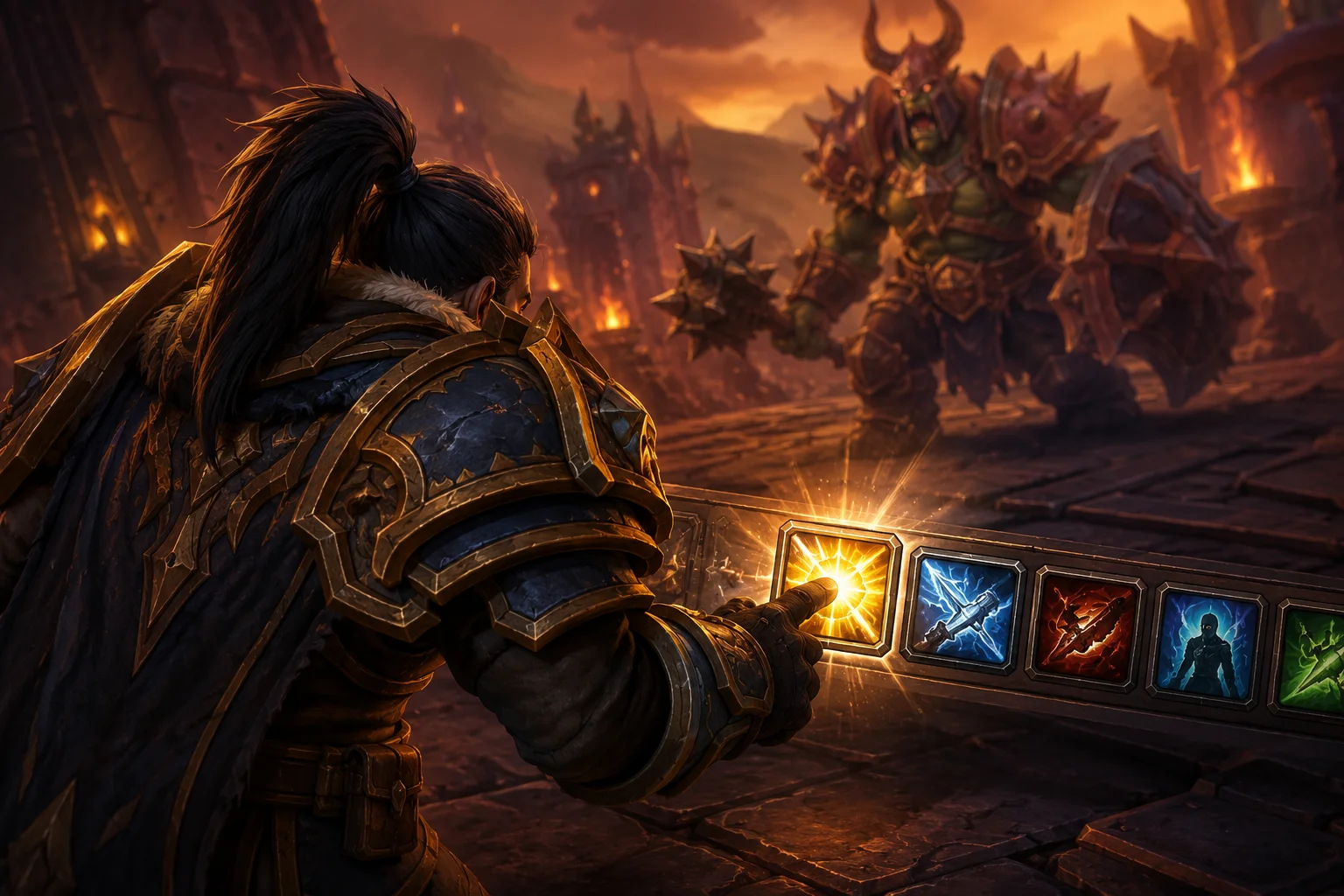
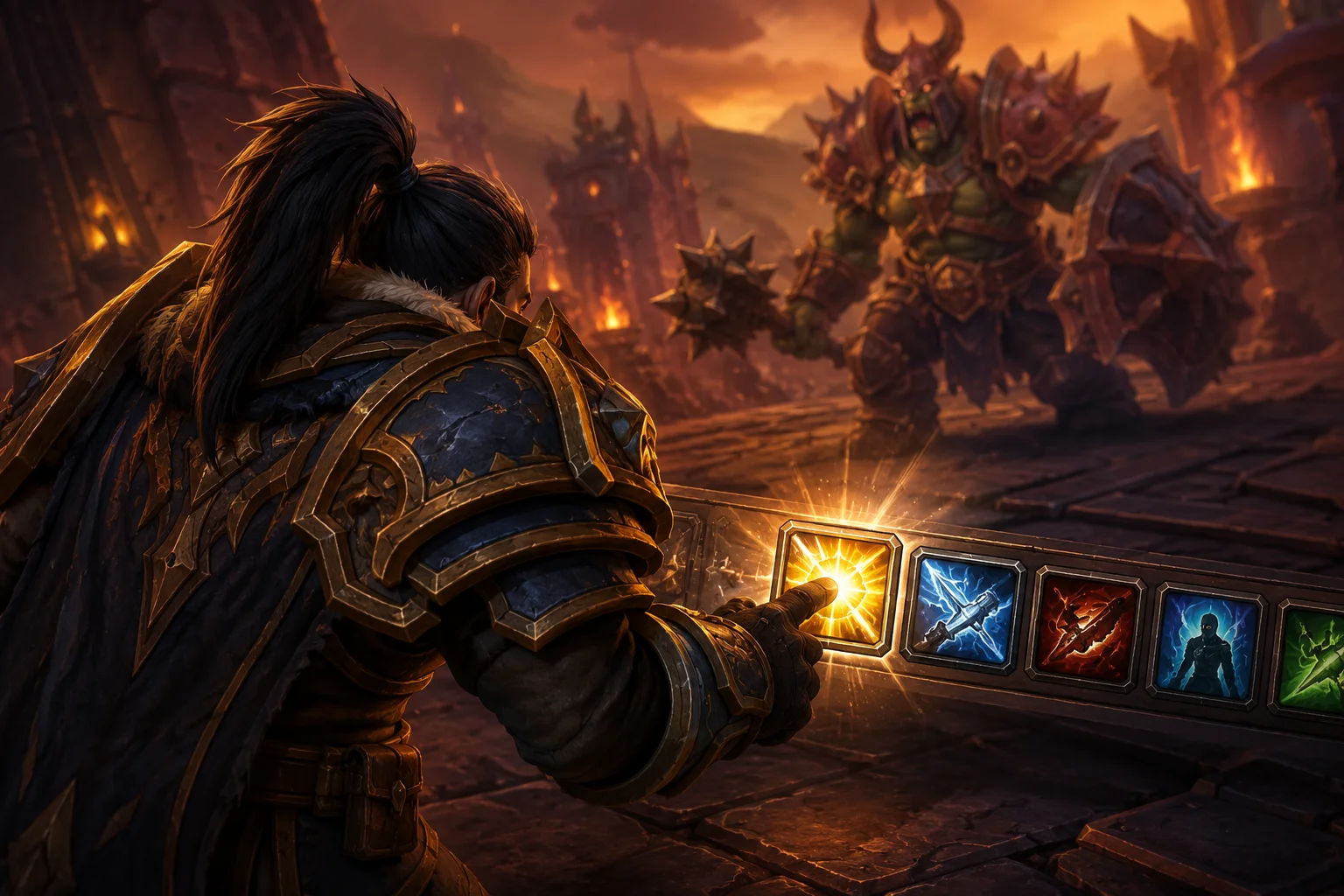
If you have just started playing World of Warcraft and have no idea what you are supposed to press during combat, Blizzard has already built a solution for you. The Single-Button Assistant is designed to simplify your rotation by letting you use a single button while the game decides which ability should be used next.
It is surprisingly effective for basic gameplay, but there is a catch. Abilities used through the Single-Button Assistant come with a 25% global cooldown penalty, meaning you are giving up some potential damage in exchange for having the game handle your rotation. It is not an addon, exploit or third-party automation tool. It is an official Blizzard feature that was introduced in patch 11.1.7 and remains available in WoW Midnight 12.1.
Alongside it, Blizzard also offers Assisted Highlight, which takes a less automated approach. Instead of casting abilities for you, it highlights the ability the game recommends using next. You still press the button yourself, so there is no global cooldown penalty.
For anyone searching for a simple way to play WoW Midnight with one button, the difference is easy to remember: the Single-Button Assistant plays the rotation for you, while Assisted Highlight simply tells you what to press.
Claim your first-visit discount now
How the Single-Button Assistant Works
Activating the feature is straightforward. Open your spellbook by pressing P, then look toward the top-right corner of the spellbook window. You will find the Single-Button Assistant and Assisted Highlight options there. Drag the Single-Button Assistant onto your action bar and you are ready to use it.
Once you start pressing the button, the game follows its internal priority system and attempts to use the most appropriate ability available to your character. You do not need to remember a long rotation or constantly watch which spell has become available.
That simplicity is exactly why the feature is useful for new players. Modern WoW classes can have a surprisingly large number of abilities, and learning which buttons matter during a fight can be overwhelming at first.
There are limits, however. The assistant does not handle healing abilities for you, and you should not expect it to manage defensive cooldowns perfectly. It can also make questionable decisions with major offensive cooldowns. Some classes and specializations have more of their important abilities incorporated into the priority system than others, so the experience can vary considerably depending on what you play.
Does the Single-Button Assistant Reduce DPS?
Yes. The built-in 25% global cooldown penalty means that using the Single-Button Assistant is inherently less efficient than manually playing your character.
The actual DPS difference is more complicated, though. Not every specialization loses the same amount of damage when using the assistant. Simple rotations with relatively straightforward priorities tend to work better, while specs that depend heavily on resource management, buff timing and cooldown alignment can suffer much more.
This is why there is no single number that tells you exactly how much DPS you will lose. The 25% penalty is part of the system itself, but the additional difference comes from how accurately the assistant handles your particular specialization.
Play Style | Global Cooldown Penalty | Who Controls the Rotation? | Best For |
|---|---|---|---|
Manual rotation | None | You | Raids, Mythic+, PvP and experienced players |
Assisted Highlight | None | You, with guidance | Learning a new class or specialization |
Single-Button Assistant | 25% | The game | Beginners, solo content and open-world play |
For casual content, the difference usually does not matter enough to prevent you from enjoying the game. If you are questing, doing world content or running easier dungeons, the convenience can easily outweigh the lost damage.
Once you move into difficult Mythic+ keys or serious raid progression, however, the limitations become much more noticeable.
-Kcc3aF3dlR3BLcf4gS4Y8Ind8tGCcn.webp)

Cooldowns Are Where the Assistant Struggles
The biggest problem with automated rotations is not necessarily choosing between your basic abilities. It is understanding when to hold and when to spend major cooldowns.
An experienced player can look at an encounter and recognize that a cooldown should be saved for an upcoming damage phase, boss mechanic or combination of buffs. The Single-Button Assistant does not have the same level of encounter awareness.
This can be especially noticeable on classes that rely on lining up several abilities together. A human player might delay an ability for a few seconds because they know something more important is about to happen. The assistant may simply see that the ability is available and use it according to its priority.
That difference might only cost a small amount of damage during one part of a fight, but those decisions add up over an entire encounter.
Frost Death Knight Is a Good Example of a Forgiving Rotation
Frost Death Knight is one example of a specialization that can feel relatively comfortable with a simplified rotation. Much of its basic gameplay revolves around abilities such as Obliterate, Frost Strike and Howling Blast, with additional abilities becoming important depending on your talents, resources and situation.
The rotation still has plenty of depth for players who want to optimize it, but the basic priority is easier to understand than some of the more complicated specializations in WoW.
That makes Frost a reasonable example of why the Single-Button Assistant can work surprisingly well for certain players. If your specialization has a straightforward priority, the assistant has fewer opportunities to make a poor decision.
That does not mean it will perform like an experienced player. It simply means the gap between assisted and manual gameplay may be less frustrating.
Unholy Death Knight Is Much More Complicated
Unholy Death Knight provides almost the opposite example.
The specialization involves managing diseases, resources, cooldowns and ability interactions, so simply pressing whatever the game recommends is not always enough to get the best possible result.
For example, Outbreak applies Virulent Plague, while abilities such as Festering Strike and Festering Scythe interact with the rest of the specialization's mechanics. The timing of these abilities matters, and an experienced player can recognize when it is worth waiting for a better setup rather than immediately using whatever ability is available.
This is where automated assistance starts to fall behind.
The game knows the abilities you have available, but it does not always understand the larger context of what you are trying to accomplish. A human player can look several seconds ahead and prepare for a burst window. A priority system is much more limited.
Beast Mastery Hunter Falls Somewhere in the Middle
Beast Mastery Hunter is another interesting example because the basic rotation appears very simple. You have abilities such as Bestial Wrath, Barbed Shot, Kill Command and Cobra Shot, and it does not take long to understand what each one does.
The challenge comes from using them at the right time.
Barbed Shot charges, for example, need to be managed properly. Allowing charges to sit at maximum or failing to maintain important effects can cost damage even when you are technically using the correct abilities.
This is a common theme with assisted rotations. Knowing which button should be pressed is only one part of playing a class well. Knowing why you should press it at that particular moment is what separates a basic rotation from an optimized one.
Assisted Highlight May Be the Better Starting Point
If you like the idea of getting rotation assistance but do not want the game completely taking over, Assisted Highlight is probably worth trying.
The system highlights the ability it recommends, but you remain responsible for pressing it. Because you are still controlling the character yourself, there is no 25% global cooldown penalty from the Single-Button Assistant.
For a new player, this can be an excellent middle ground. You can follow the recommendations while gradually learning which abilities are important and how your rotation flows. Eventually, you may find yourself ignoring the highlight and making your own decisions naturally.
It also helps prevent one of the biggest problems with the Single-Button Assistant: becoming dependent on the game to tell you what to do.
When Should You Stop Using One Button?
There is no reason to feel bad about using the Single-Button Assistant. If you are new to WoW, the number of abilities on your action bar can be intimidating, and having a simplified rotation gives you a chance to focus on movement, mechanics and learning the game.
It is perfectly suitable for open-world content, questing, leveling, world quests and easier dungeons. You can also use it while learning a new class or specialization before moving to a more advanced rotation.
The point where you should consider moving away from it is when your content starts demanding more damage from you.
If you are pushing high Mythic+ keys, progressing through difficult raid encounters or trying to compete with other players, the 25% penalty becomes difficult to justify. At that point, learning your actual rotation will give you much more control over your performance.
How to Learn Your Real Rotation
Once you decide to move beyond the Single-Button Assistant, the best approach is to learn your specialization rather than simply memorizing a list of buttons.
Class guides can help you understand your talents, stat priorities, rotation, cooldowns, gear and consumables. They are particularly useful when you are returning to WoW after a break and find that your favorite specialization has completely changed.
Icy Veins is one of the more popular starting points for class and specialization guides, while sites such as Archon can be useful when you want to look at actual raid and Mythic+ data from high-performing players.
The advantage of using real gameplay data is that you can see what strong players are actually doing instead of relying entirely on a theoretical best-in-slot list. You can compare talent builds, gear choices and performance across different encounters and difficulties.
Eventually, you should be able to look at your action bar and understand not only what you should press, but why you should press it.
Is the Single-Button Assistant Worth Using in WoW Midnight 12.1?
For new players, yes.
The Single-Button Assistant is a useful introduction to WoW's combat system, especially if you are overwhelmed by your class's abilities. It lets you get into the game without spending hours memorizing a rotation before you can even enjoy playing.
For experienced players, though, there is little reason to use it for serious endgame content. The 25% global cooldown penalty is a significant disadvantage, and the assistant cannot match the decision-making of someone who understands their class and the encounter.
Assisted Highlight is arguably the better long-term learning tool because it provides guidance without taking control away from you.
Final Thoughts
The Single-Button Assistant is best viewed as a set of training wheels rather than a replacement for learning your class.
It is official, easy to use and genuinely helpful when you are starting out. You can use it to level, complete world content, run easier dungeons or simply get comfortable with a new specialization. There is nothing wrong with choosing convenience while you are learning.
Once you start pushing harder content, however, the limitations become much harder to ignore. The 25% global cooldown penalty is only part of the problem. The bigger issue is that automated priorities cannot consistently make the same timing and encounter-based decisions as an experienced player.
For casual WoW Midnight players, one button can be more than enough. For Mythic+ pushers and serious raiders, it is eventually time to take the wheel yourself.